About
Phone mockups,
from one screenshot
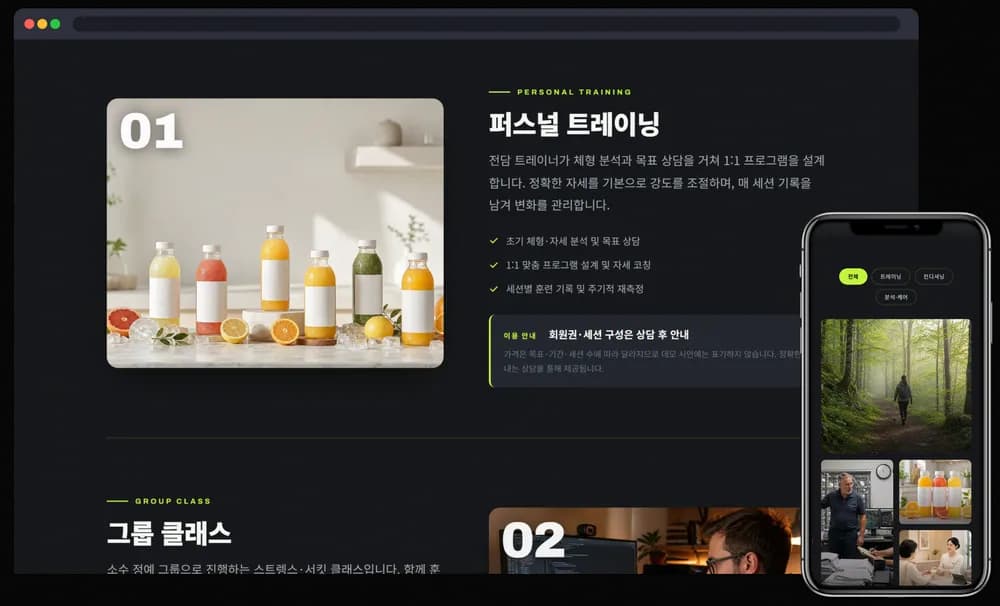
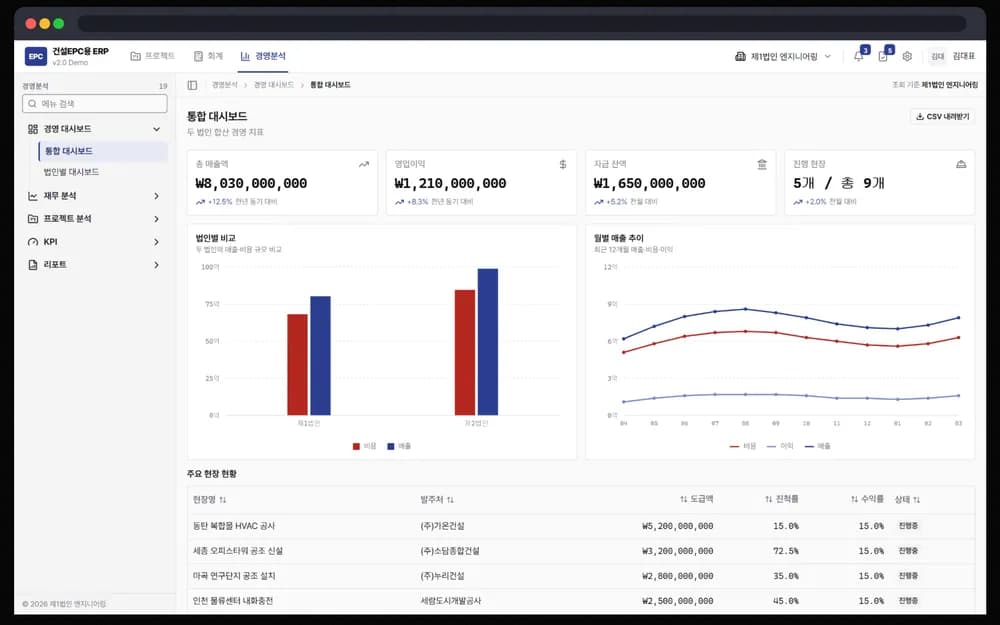
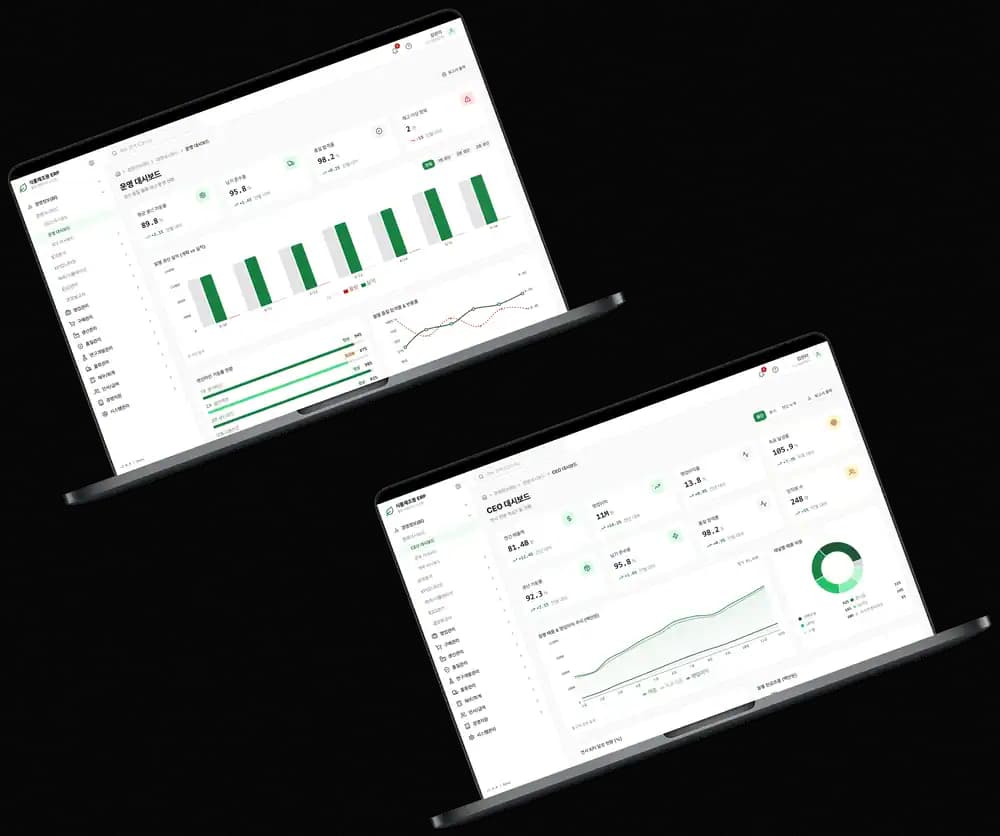
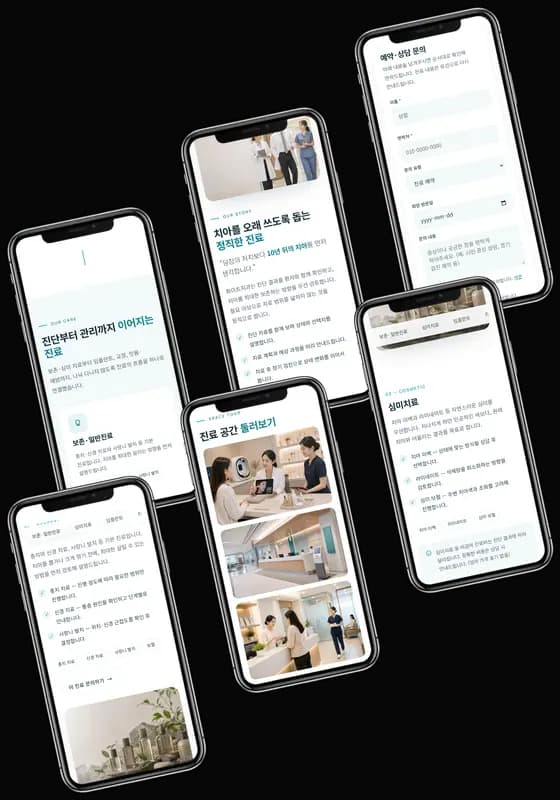
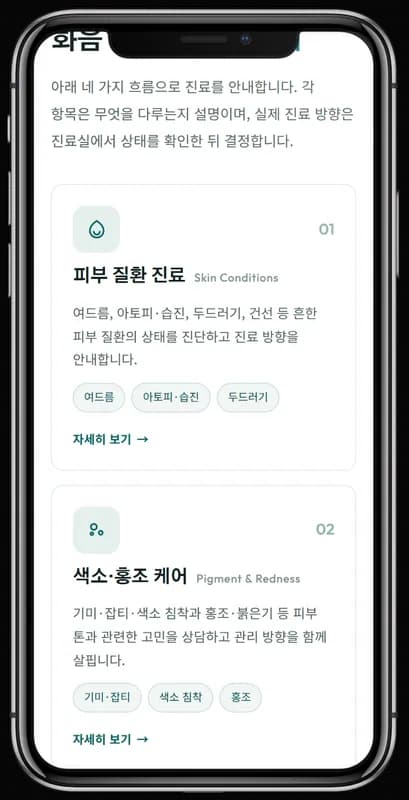
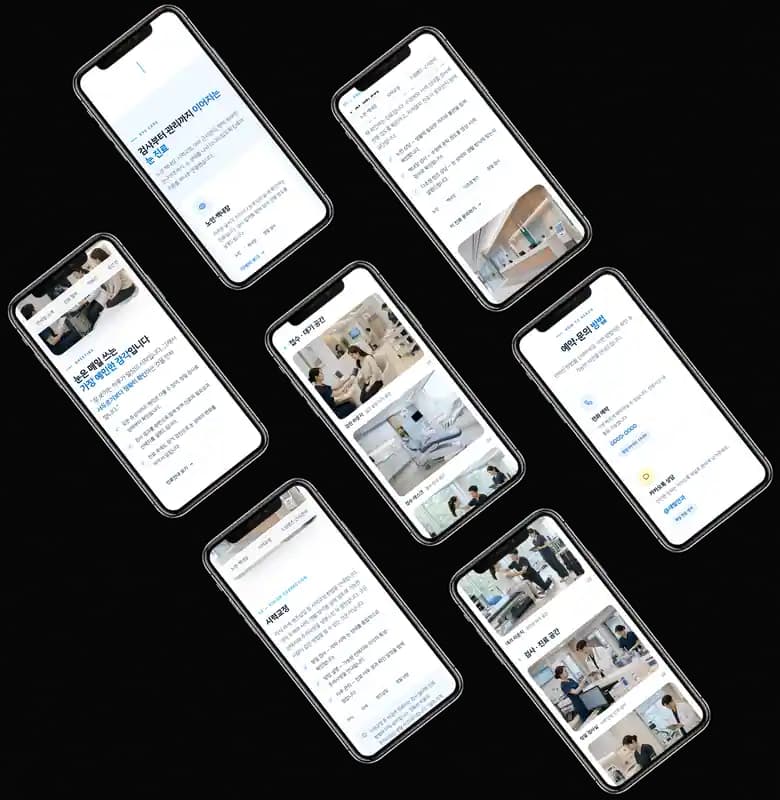
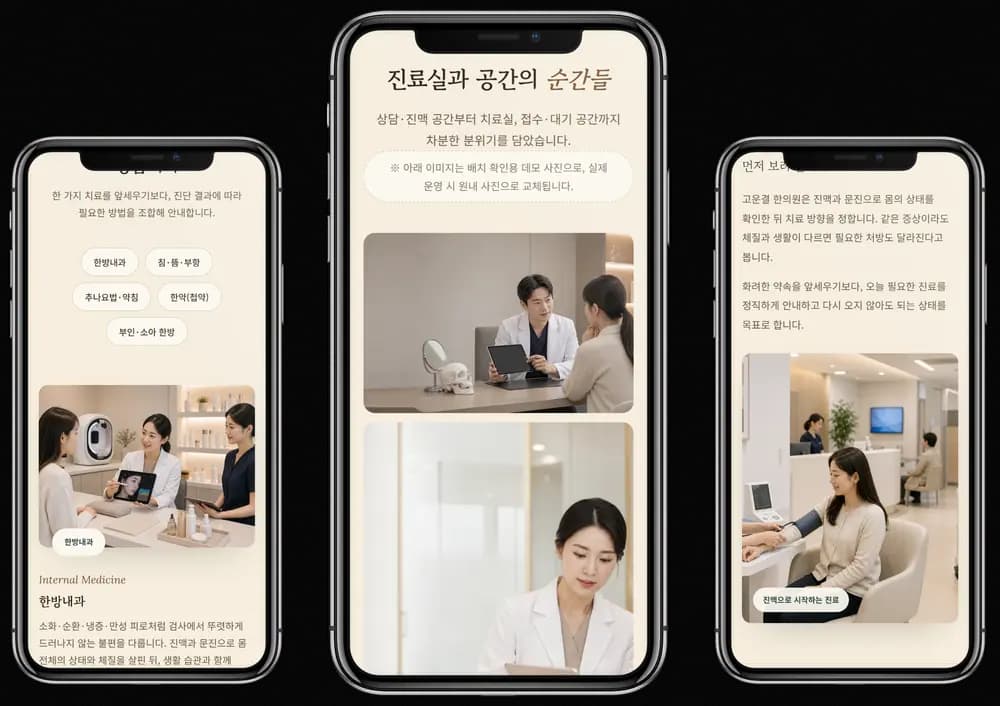
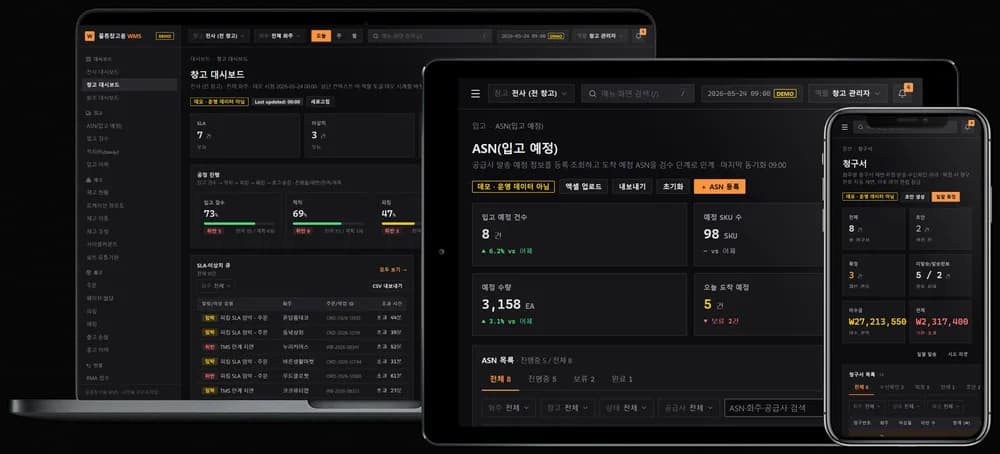
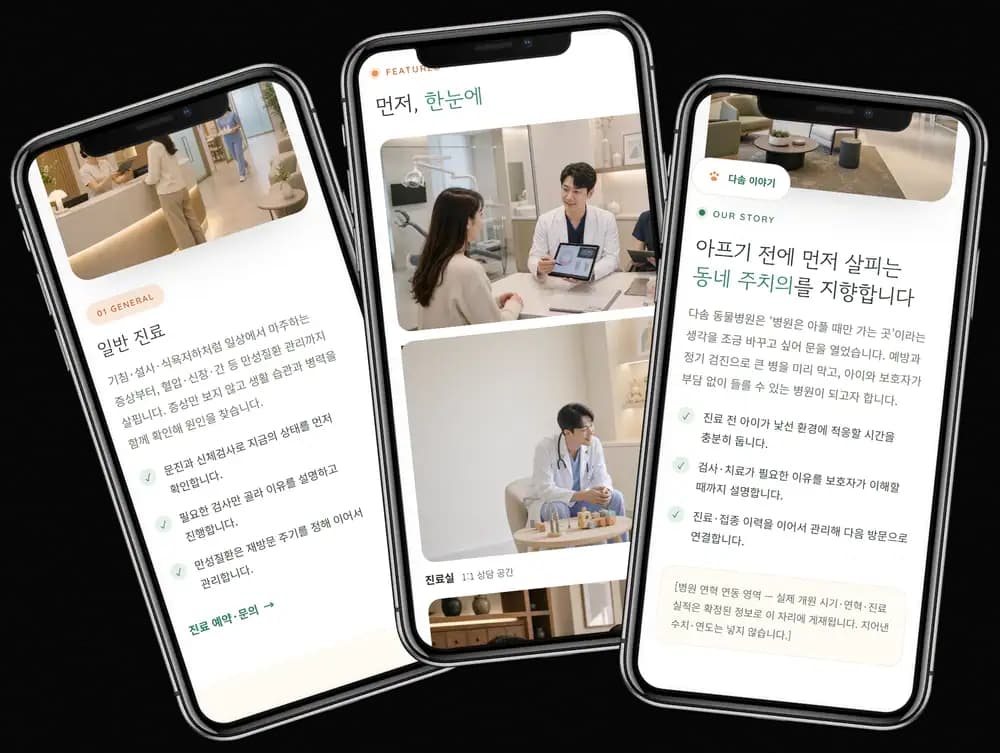
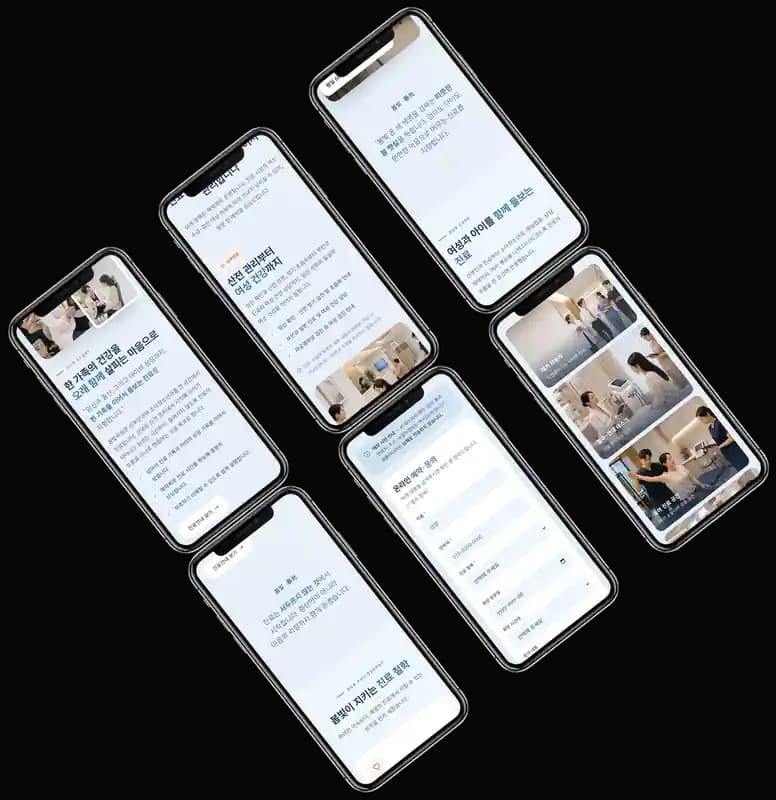
Drop it in and it lands inside the device frame. Change the angle and background, then export PNG, JPG, or WebP.
Compare
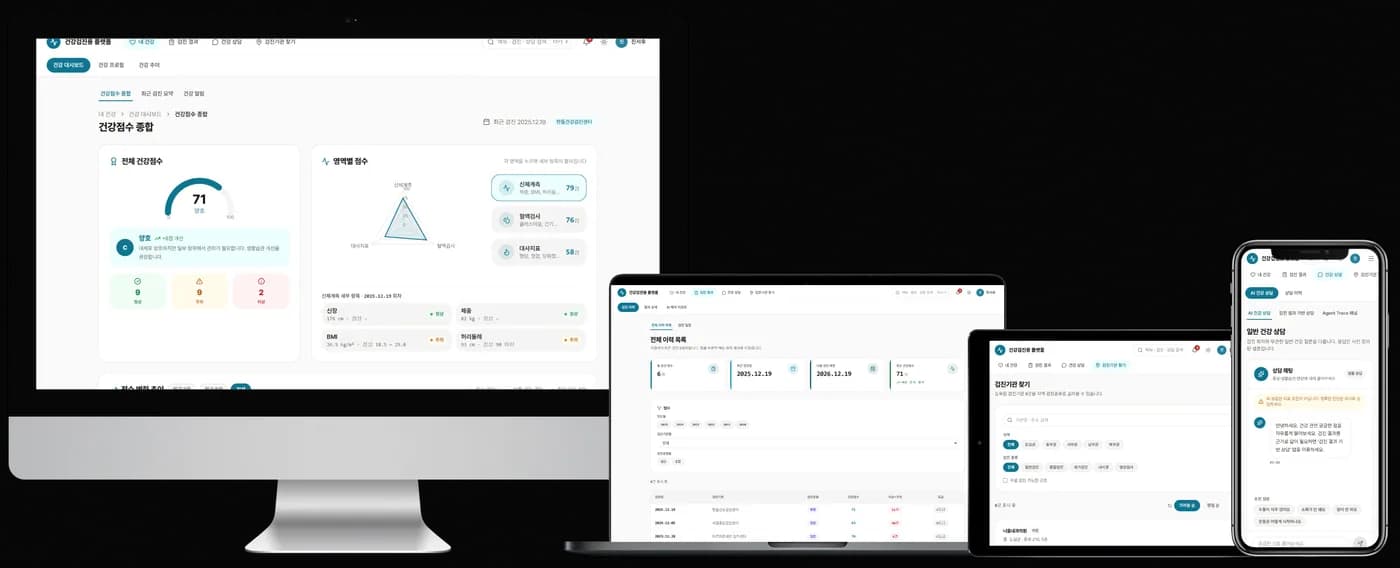
Before and after, side by side
The raw screenshot on the left. The result inside a device frame on the right.
Drag the handle to reveal the result.
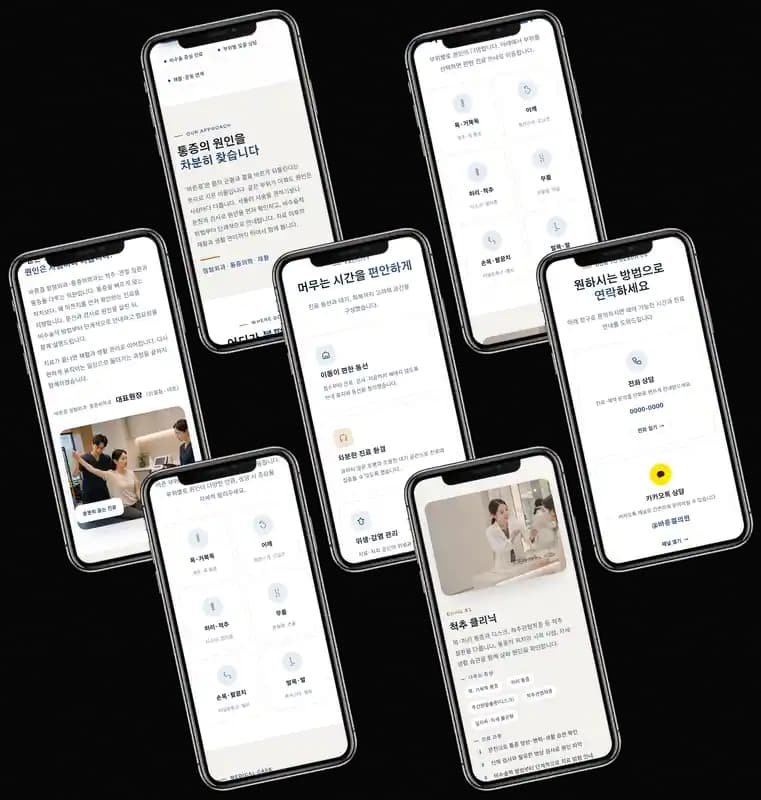
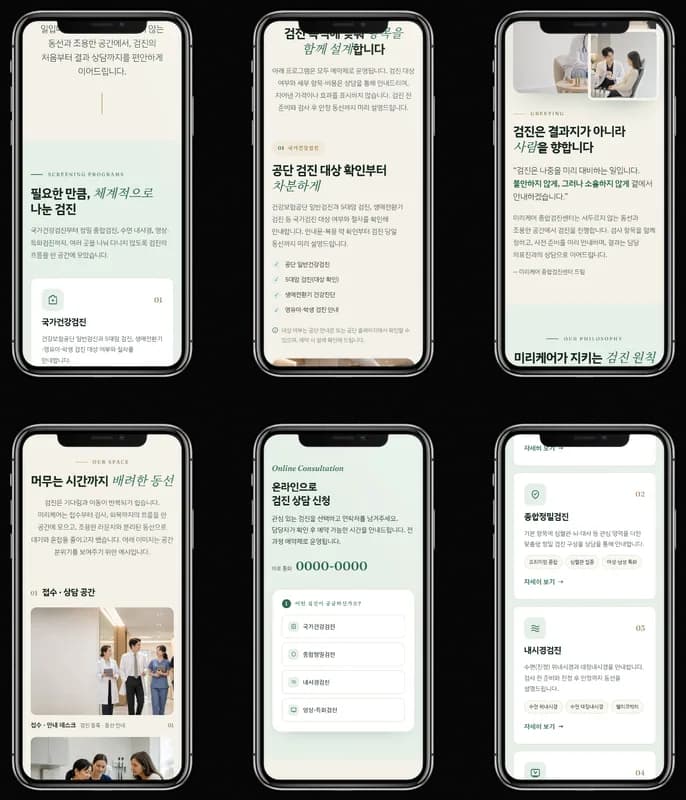
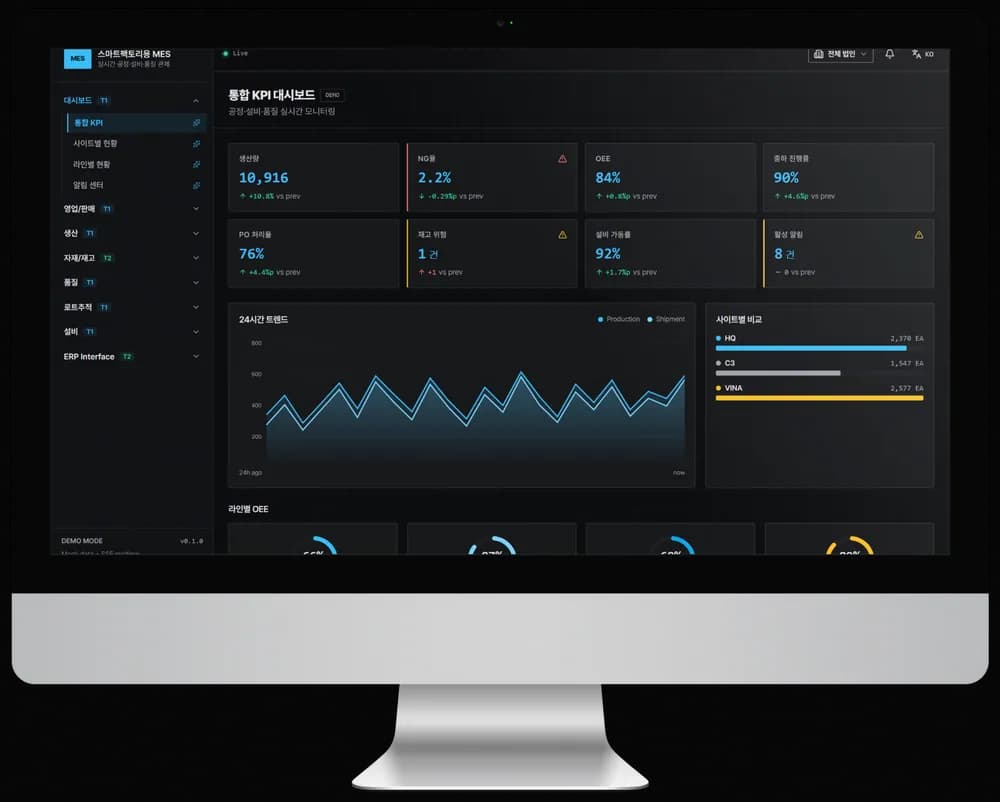
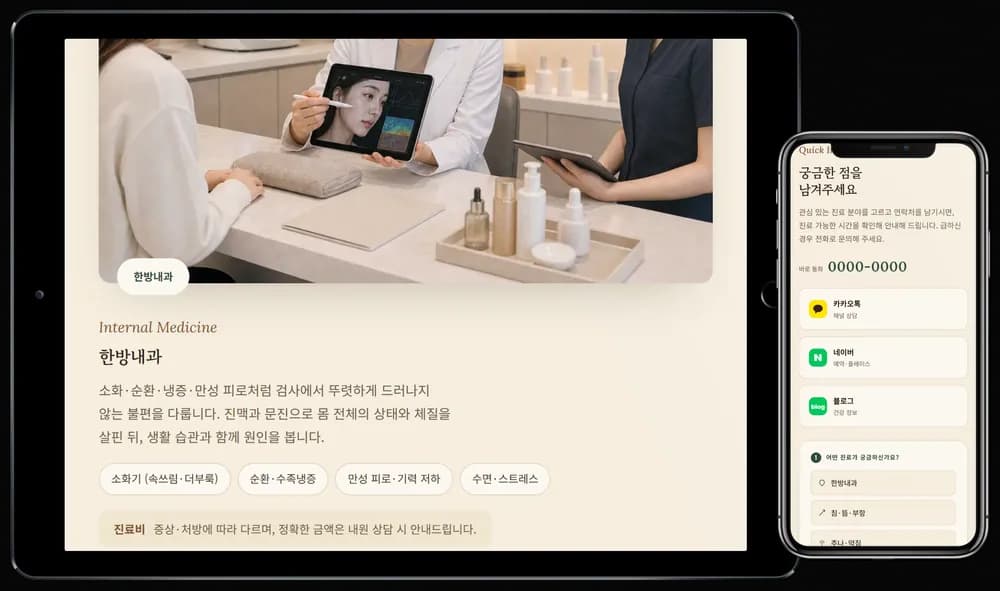
Process
Upload, choose, download
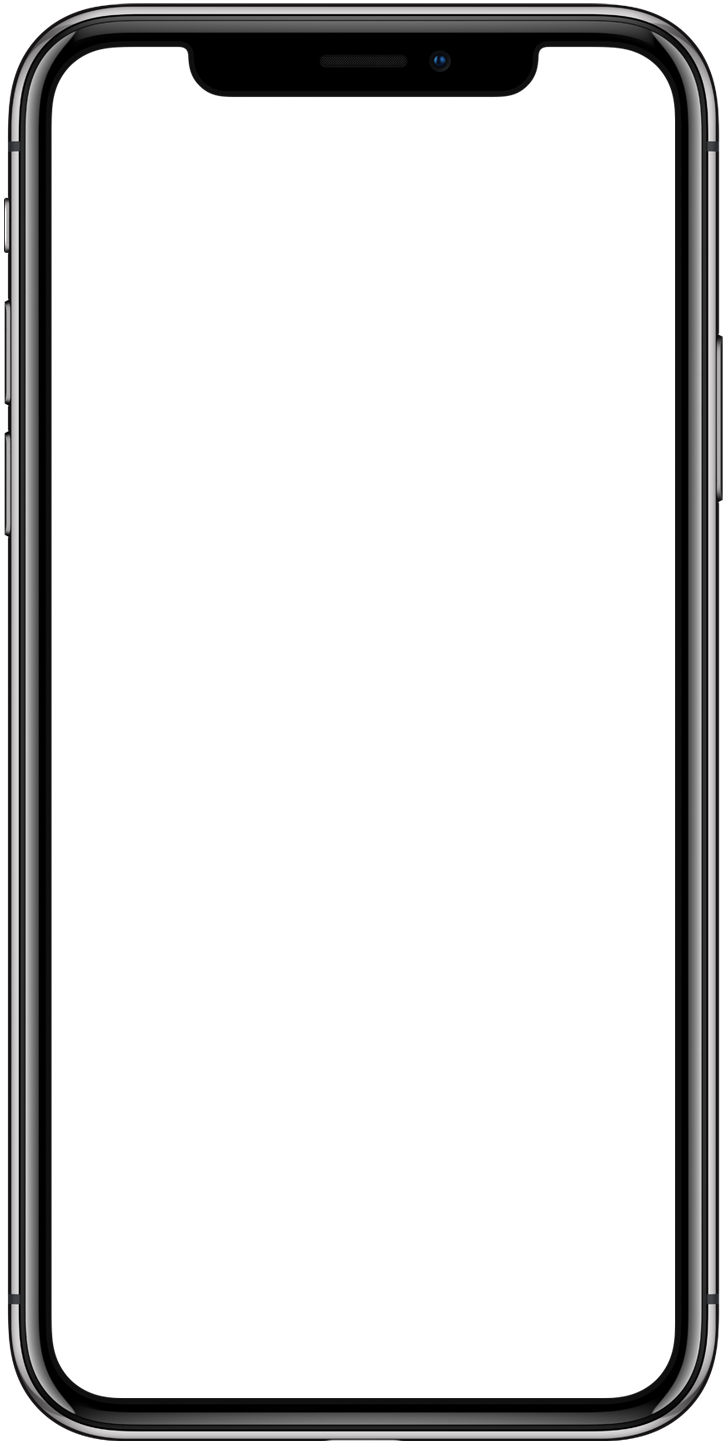
Upload
Drag it in, paste it, or pick a file.
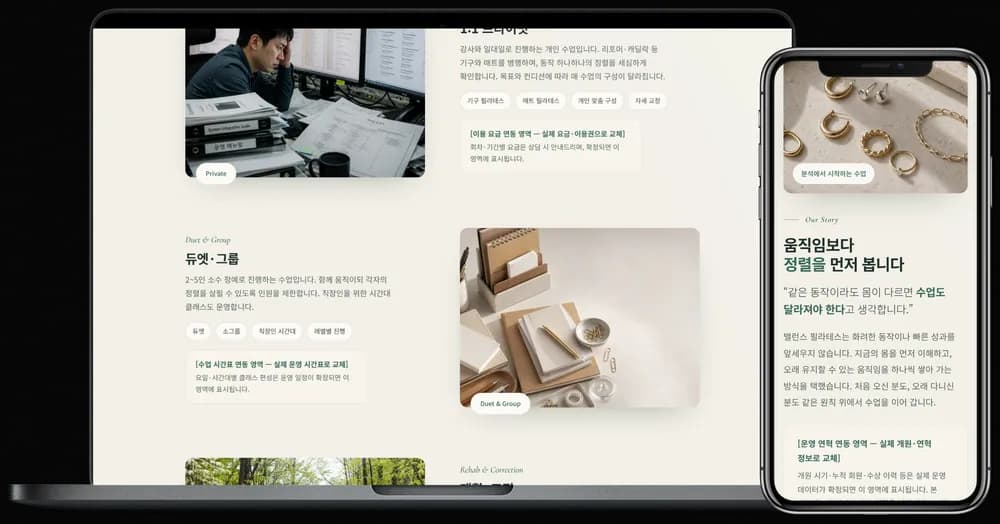
Pick a frame
Choose the device, background, and angle.
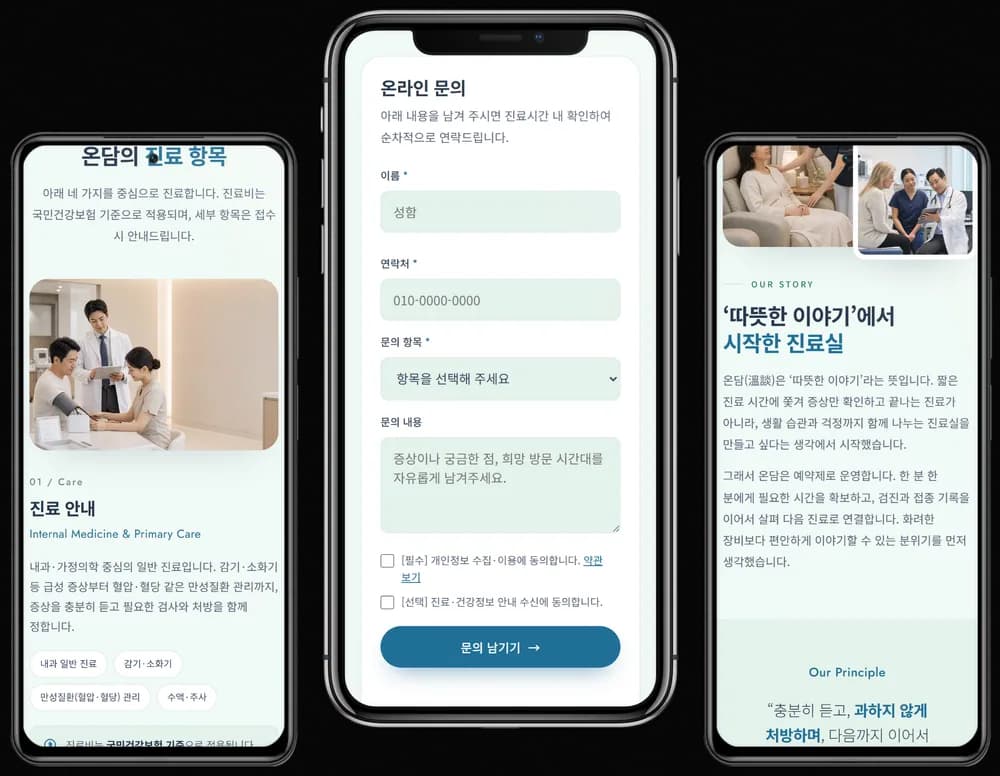
Download
Save as PNG, JPG, or WebP at up to 4×.
Guides
Make better mockups
- App Store and Play Store screenshot specsApp Store and Google Play screenshot specs from the official docs, with one thing stated up front: this editor cannot output Apple's fixed device sizes.App Store
- Why your mockup looks flat, and what you can actually adjustA screenshot dropped into a frame reads as printed paper. Here is what this editor actually draws, what you can adjust, and what it does not support.Realism
- Export resolution, how far you can push the scaleWhat the export scale multiplies, why a 4x export cannot restore detail from a large upload, and when Safari's canvas area limit locks a scale.Export
FAQ
Frequently asked questions
Is it really free, with no signup?
Yes. No account, no payment, and no watermark on the file you download.
Do my screenshots get uploaded to a server?
No. Compositing happens entirely in your browser, so the image never leaves your device.
Which devices are supported?
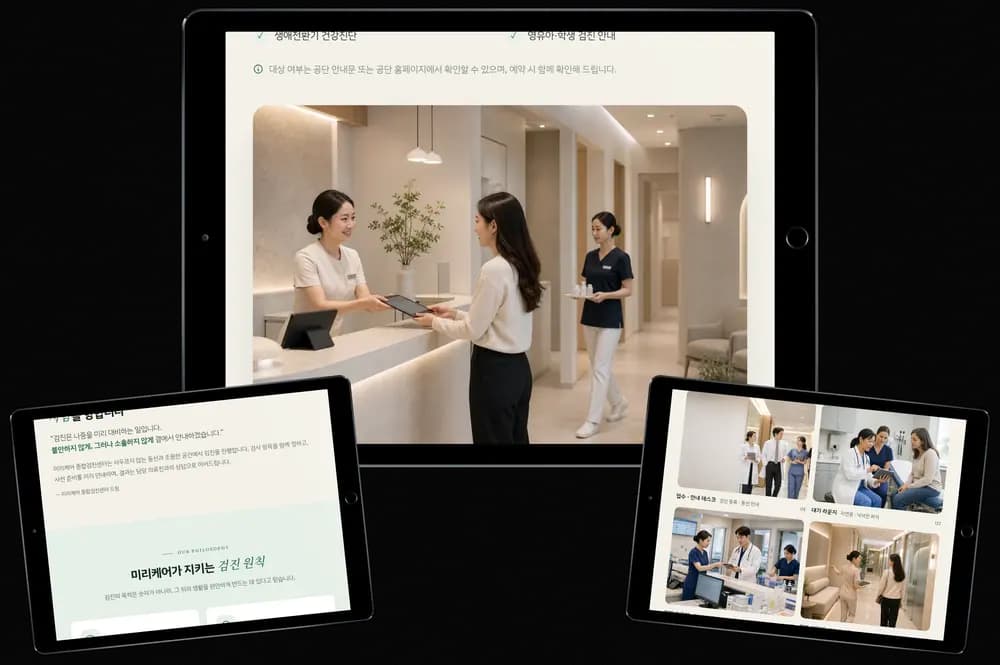
Phone, tablet, laptop, desktop, and browser frames are all supported. The phone comes in a notch version and an Android version. Multi-device scenes combine several frames in one shot. Every frame is a brand-neutral design.
Can I export with a transparent background or at a higher resolution?
Yes. PNG and WebP keep the transparent background, and you can export anywhere from 1× to 4×. Your device and browser may cap the highest scale.